
Meesho Ads Guide for Sellers: Setup, Cost per Click & Growth Tools (2026)
Quick answer
Meesho Ads are sponsored advertisements that put your catalogs in top slots on Meesho's discovery pages, shown like a regular catalog listing with an "ad" tag. You start a campaign in 3 steps on the Supplier Panel: choose the catalog, set a budget and select a duration. You pay only when a customer clicks your ad, and you can pause the campaign any time. Meesho Ads are currently not available for sellers who do not have a Regular GSTIN.

Once your catalogs are live on Meesho, the next question is how to get them in front of more buyers. Meesho's answer is Meesho Ads: sponsored slots that push your catalogs to the top of discovery pages. This guide explains what Meesho Ads are, who can run them, the 3-step campaign setup, how the pay-per-click cost works, and the free growth tools on the Supplier Panel. Everything described here is from Meesho's own Grow Your Business page. New to Meesho? Start with our how to sell on Meesho guide.
What Are Meesho Ads?
Meesho Ads are sponsored advertisements that promote your product catalogs in top slots on discovery pages across Meesho. An ad looks like a regular catalog listing with an "ad" tag, so it sits naturally in the buyer's browsing flow while ranking higher than unadvertised catalogs.
Meesho lists these benefits of advertising:
| Benefit | What it means |
|---|---|
| Boost visibility | Advertising boosts the rank of your catalogs, which means higher visibility, more clicks and more orders |
| Increase your sales | Being present at the right place at the right time gets your catalogs more orders |
| Attract more customers | Interested customers can view and shop your catalogs from the top slots |
| Track and manage ads | Performance metrics like Return on Investment and Budget Utilized help you make better decisions |
| Pay only for clicks | No cost to pay unless a customer clicks on your advertisement |
| Control costs | You create the campaigns and decide when to run or pause them through the performance data |
Who Can Run Meesho Ads?
One eligibility rule matters before you budget: Meesho says Ads are currently not available for sellers who do not have a Regular GSTIN. If you registered with an Enrolment ID / UIN or a Composition GSTIN, confirm your eligibility on supplier.meesho.com before planning ad spend.
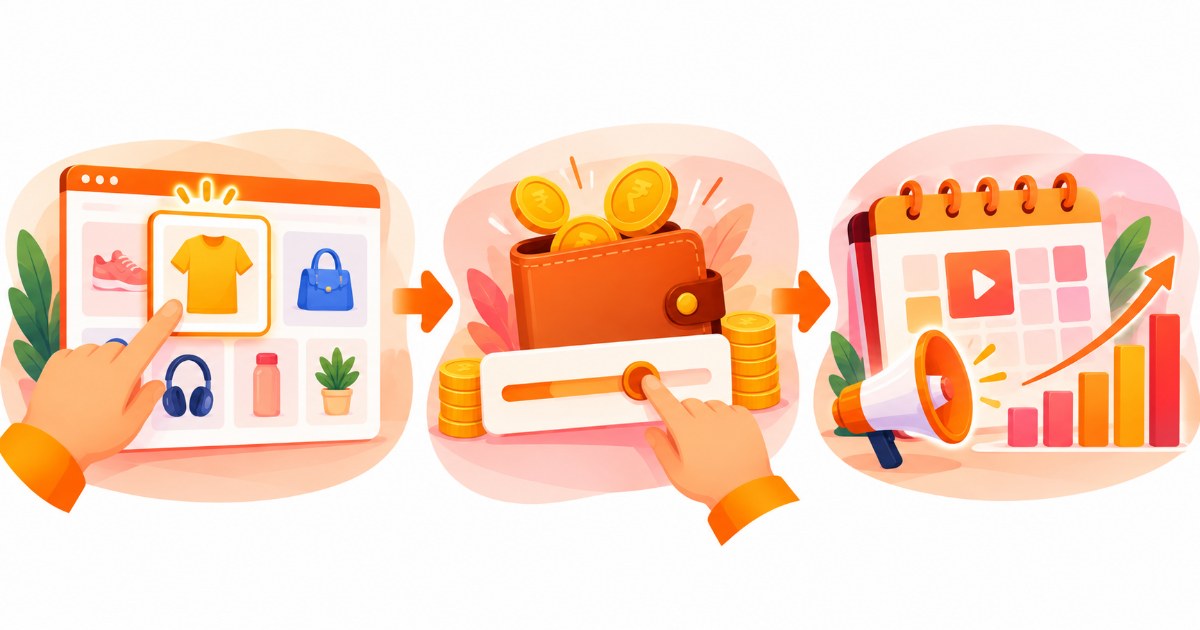
Start a Campaign in 3 Simple Steps
Meesho describes campaign creation in three steps:
- Choose catalogSelect the product catalog or catalogs you want to advertise. Pick your best-performing or best-priced catalogs first, because the ad puts them in front of buyers as-is.
- Select budgetAllocate an advertising budget for your campaign. Start small while you learn which catalogs convert, since you pay per click.
- Select durationChoose how long you want the campaign to run, then watch the performance metrics and pause or adjust whenever you need to.
Not sure where these options live? Our Meesho seller panel guide walks through the Supplier Panel menus.
What Do Meesho Ads Cost?
Meesho Ads are pay per click: you pay nothing unless a customer clicks your advertisement. You create the campaign, you set the budget, and you decide when to run or pause it based on the performance data. The metrics Meesho names for judging a campaign are Return on Investment and Budget Utilized, so check both before you raise a budget.
A click only pays off if the order is profitable. Run your price through the free Meesho profit calculator first, and read our Meesho commission & fees guide to see the deductions that apply after the 0% commission headline.
Free Growth Tools on the Supplier Panel
Ads are not the only way to grow. Meesho's Grow Your Business page lists free tools every seller can use:
| Tool | What it does |
|---|---|
| Product Recommendation tool | Meesho curates product ideas from trending searches (products people want but cannot find), top-selling products and categories similar to yours. Explore the recommendations, accept and source the products, then upload them as new catalogs. |
| Price Recommendation tool | Data-driven pricing insights that help you set an optimal price for your products across the platform. |
| Quality Dashboard | Customer feedback on your live catalogs reflects on the Quality Dashboard, helping you understand how buyers respond and plan inventory to reduce returns. |
Next Day Dispatch (NDD) Program
The NDD program is Meesho's other visibility lever: you commit to dispatching orders the next day, and in return your catalogs get a special badge that tells customers they can receive their items quickly. Meesho lists these benefits for registered sellers:
- Higher visibility
- Lesser order cancellation
- Catalogs appear at the top of the homepage
- Lesser chances of RTO (return to origin)
- Your own PE Account Manager
To register, Meesho lists these steps:
- Log in to your Supplier Panel
- Click on Support
- Select Orders & Delivery
- Choose "I want to add my catalogs under Next Day Dispatch Program" (or your complete account)
- Raise the ticket
Save Time on Catalogs and Labels With SnapSeller
Whether orders come from ads or organic slots, catalog uploads and label printing are the slow part. The SnapSeller Chrome extension and free web tools help with that, and they are independent of Meesho:
- Catalog autofill and bulk upload. Save seller profiles and prepare many products together instead of one form per product.
- Lowest-shipping image finder. See which front image keeps the shipping charge lowest for a listing.
- Meesho label crop. Trim label PDFs to a clean 4x6 sticker in your browser.
- Profit calculator. See what is left after shipping and returns before you set a price or an ad budget.
- How to sell on Meesho guide. The full journey: registration, catalogs, pricing, shipping and the 7-day payment cycle.
- Meesho seller panel guide. Find where Ads, Orders, Catalog Uploads and Payments live in the Supplier Panel.
- Meesho commission & fees guide. See every deduction that still reduces your payout after the 0% commission headline.
- Meesho profit calculator. Check your real profit after shipping and returns before you set a price or an ad budget.
- free Meesho label crop tool. Trim shipping label PDFs to a 4x6 label for your printer, right in your browser.
Browse all free seller tools for current pricing and the free launch access.
Frequently asked questions
What are Meesho Ads?
Meesho Ads are sponsored advertisements that promote your product catalogs in top slots on Meesho's discovery pages. They look like a regular catalog listing with an "ad" tag, and they boost your catalog's rank so more buyers see and click it.
Who can run Meesho Ads?
Meesho says Ads are currently not available for sellers who do not have a Regular GSTIN, so plan on having a Regular GST registration before you budget for ads. Confirm the current eligibility on supplier.meesho.com.
How much do Meesho Ads cost?
Meesho Ads are pay per click: there is no cost unless a customer clicks your advertisement. You set the campaign budget and duration yourself, and you can pause the campaign from the performance data whenever you want.
How do I start a Meesho ad campaign?
In 3 steps on the Supplier Panel: choose the catalog or catalogs you want to advertise, allocate an advertising budget, and select how long the campaign should run. Then track metrics like Return on Investment and Budget Utilized.
How can I get more orders on Meesho without ads?
Use the free tools on the Supplier Panel: the Product Recommendation tool (trending searches and top sellers), the Price Recommendation tool (data-driven pricing) and the Quality Dashboard (customer feedback to reduce returns). Joining the Next Day Dispatch program also adds visibility.
What is the Meesho Next Day Dispatch (NDD) program?
NDD is a Meesho program where you commit to dispatching orders the next day. Your catalogs get a special badge, higher visibility and a top-of-homepage placement, with lesser order cancellation and RTO chances. Register from the Supplier Panel under Support, Orders & Delivery, by raising a ticket.