
Amazon Shipping Label Size, Crop and Print Guide (2026)
Quick answer
Amazon shipping documents print on A4 sheets, and the supported format can use two pages per order - a shipping label page followed by its tax invoice. Printing one A4 page per order wastes paper, so sellers crop labels down: four labels arranged in a 2x2 layout on one A4 sheet, or one label per A4 page when you want it large. The free SnapSeller Amazon label crop tool does this in your browser - it separates label and invoice pages, arranges four labels or four invoices per A4, can add the detected product name to each label, and never uploads your PDF.
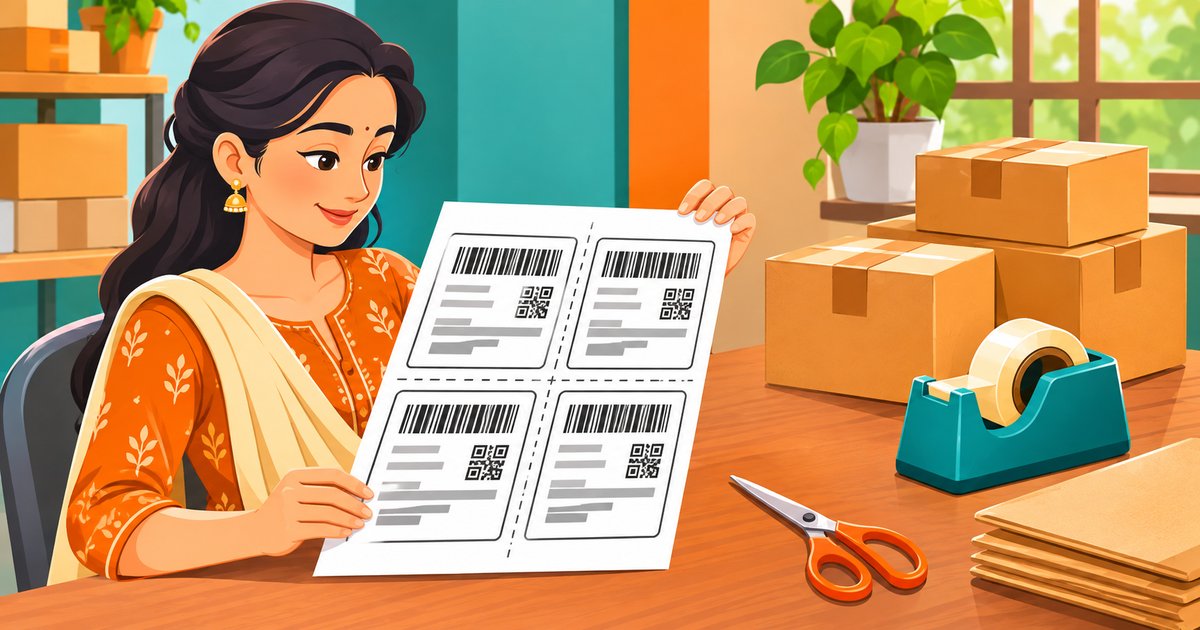
Amazon sellers ask two questions the first time they download shipping documents: what size does the label print at, and why does the PDF have so many pages? This guide answers both, then shows how to crop labels and invoices into the A4 layout that fits your packing desk with the free Amazon label crop & sort tool.
Amazon Shipping Label Size Basics
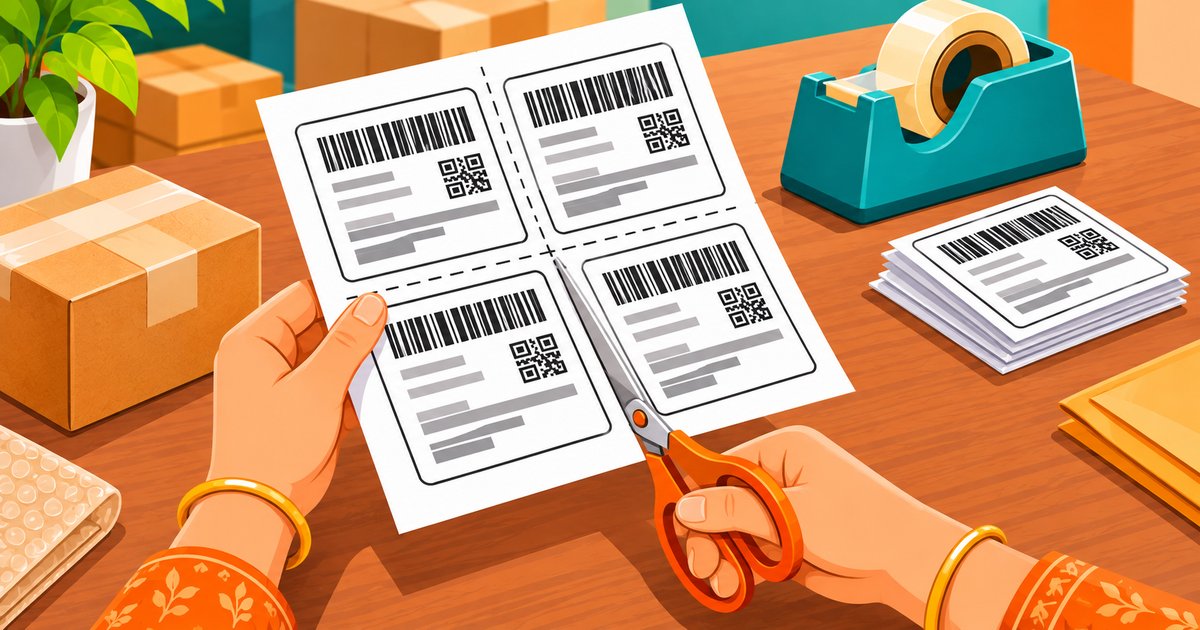
In the supported Amazon shipping format, labels print on A4 sheets. That full-A4 label is larger than most parcels need, which is why cropping matters: the practical options are one label per A4 page when you want it as large as possible, or four cropped labels arranged in a 2x2 layout on one A4 sheet with cut guides - the paper-saving option most packers want. Cut along the guides and each label fits a standard parcel.
- Download the shipping document from your Amazon seller workflow.
- Drag one or more original PDFs into the SnapSeller Amazon label crop tool - everything runs in your browser.
- Pick a layout: only labels, only invoices, four labels per A4, or four invoices per A4.
- Optionally add the detected product name to each label, group matching products, or move multi-quantity orders first.
- Process the file, then compare one downloaded page with the source before printing a full batch.
Why the PDF Has More Pages Than Orders
The supported format can contain a label page followed by a related tax-invoice page for each order, which creates two source pages per order. A ten-order PDF can therefore hold twenty pages. PDFs from another workflow, already-cropped files or documents with a different page order may not match that pattern - the tool detects the label-versus-invoice structure and lets you keep either side separately.
The Four Crop Layouts
Pick the layout that matches what you need to print:
| Layout | When to use it |
|---|---|
| Only Label On Full A4 | One detected label page per A4 sheet - use it when you want the label as large as possible. |
| Only Invoice On Full A4 | The detected invoice pages kept separately, one per A4 sheet - for records or handing to accounts. |
| 4 Labels Per A4 Page | Four cropped labels arranged in a 2x2 A4 layout with cut guides - the paper-saving option most packers want. |
| 4 Invoices Per A4 Page | Four complete invoice pages reduced onto one A4 sheet with cut guides. |
Product Names and Sorting on Labels
When readable product information exists on the paired invoice page, the tool can print it on each label - keep the option off to preserve the original label, choose Short name for the detected seller note and quantity, or Full product name for the detected description and quantity. Two sorting options speed up packing: Sort by Product Group groups labels with matching readable product descriptions, and Sort Multi-quantity orders first moves detected orders with more than one unit to the front. Both can run together, and results depend on the product and quantity text in the paired invoices.
Checks Before You Print a Full Batch
Process one file and verify it before trusting a big batch:
- Page pairing - each label must stay matched with the tax invoice that belongs to its order.
- Product details - when you add product names, verify the printed line against the invoice.
- Barcode clarity - scan or visually check a cropped barcode before printing the whole batch.
- Order counts - treat the generated order list as a helper and verify its counts against the source.
- Print settings - check scale and paper size in the print dialog so the A4 layout is not resized.
The tool runs entirely in your browser - no PDF-upload request is used in the current workflow, so supported files are read, processed and downloaded on your own device. The public tool is free to use without creating an account.
More Free Tools for Marketplace Sellers
SnapSeller is an independent toolkit for Meesho, Flipkart and Amazon sellers. These pair well with label work:
- Amazon label crop & sort tool. Crop Amazon label PDFs in your browser - four layouts, product names, sorting, no upload.
- Flipkart label size guide. The same size and crop questions answered for Flipkart labels.
- Meesho label crop guide. How to crop Meesho shipping labels and pair them with invoices.
- Meesho profit calculator. Check the real profit on your price after shipping and returns.
Browse all free seller tools - every feature is free for all sellers.
Frequently asked questions
What size is an Amazon shipping label?
In the supported Amazon shipping format, labels print on A4 sheets. Each order can take two pages - a shipping label page followed by its tax invoice - so sellers usually crop labels down: one label per A4 page, or four labels arranged in a 2x2 layout on a single A4 sheet to save paper.
Why does my Amazon label PDF have more pages than orders?
The supported format can contain a label page followed by a related tax-invoice page for each order, which creates two source pages per order. PDFs from another workflow, already-cropped files or documents with a different page order may not match that pattern.
How do I crop Amazon shipping labels online?
Add the original Amazon PDF to the free SnapSeller Amazon label crop tool, select one of the four label or invoice layouts, choose optional product-name and sorting controls, and process the file. Compare one downloaded page with the source and check page pairing, product details, barcode clarity and print settings before processing a full batch.
Is the Amazon label crop tool free, and is my PDF uploaded?
The public tool is free to use without creating an account, and no PDF-upload request is used in the current workflow - supported files are read, processed and downloaded inside your browser. This applies to this public utility and does not promise unlimited processing or automatically apply to every SnapSeller feature.
Can I print the product name on each Amazon label?
Yes, when readable product information exists on the paired invoice page. Keep the option off to preserve the original label, choose Short name for the detected seller note and quantity, or Full product name for the detected description and quantity. Always verify the printed line.
Can I sort Amazon labels by product and quantity?
Yes. Sort by Product Group groups labels using matching readable product descriptions, and Sort Multi-quantity orders first moves detected orders with more than one unit to the front. Both options can run together, and results depend on the product and quantity text available in the paired invoices.